4K IPTV • ZERO FREEZE • INSTANT ACTIVATION

YOUR NEW PREMIUM IPTV
STREAMING EXPERIENCE

Enjoy unlimited access to live channels, movies & series in stunning 4K. Ultra-stable servers, instant account delivery, and support for every device you own.

▶
Get Your Access
🔒 Secure Payment ⚡ Instant Delivery 📺 Works on All Devices

Firestick
Android
Smart TV
Windows
Apple

Trusted by Thousands Worldwide

Netflix

Hulu

NBA

NFL

Prime

Disney+

How does it work?

1
📦
Order Your Plan
Choose the subscription that fits your needs and complete checkout in seconds.
2
🔑
Receive Your Account
Instantly receive your login details on email — ready to use on any device.
3
📺
Start Watching
Connect, enjoy live channels, movies & series with full HD quality.

Stream Unlimited Movies and TV Shows On-Demand

Not Satisfied ? Cancel at Anytime and Get Your Money Back

STANDARD
($8.33/mo)
BASIC

($9.99/mo)

TRIAL
30-Day Money-Back Guarantee Risk-free access. Full refund if you’re not satisfied.
Secure Payment

Savings Calculator

Service Monthly Yearly
Netflix$25$300
Hulu + Disney+$20$240
Prime Video$18$216
HBO Max$21$252
Apple TV+$13$156

Cable TV$108$1,296
PPV (2/mo)$40$480
Total$245$2,940
TVHUB4K (12 months)$4.99$59.97

Feel the adrenaline of every live sports match and premium Pay-Per-View event – all in stunning HD and 4K quality.

Watch sports, movies, and series endlessly, wherever you want.

★ No monthly bills for unlimited entertainment.
★ No expertise needed for installation.
★ Technical support at your service 7 days a week.
★ Frequently updated content.
★ EPG and carefully organized bouquets.
★ Compatible with all your devices.
★ Satisfaction Guaranteed or Your Money Back!

Select your IPTV Plan

Experience the #1 Streaming Service Online

STANDARD
($8.33/mo)
BASIC

($9.99/mo)

TRIAL

installation Guide

Follow the instructions below based on your device. Setup usually takes only a few minutes.

🔥
Amazon Firestick — IPTV Smarters Pro
⌄
1
Go to Settings > My Fire TV > Developer Options and enable Apps from Unknown Sources.
2
From the Home screen, search for Downloader and install it.
3
Open Downloader and enter the URL below, then install IPTV Smarters Pro.
https://www.iptvsmarters.com/smarters.apk
Downloader Code: 59481
4
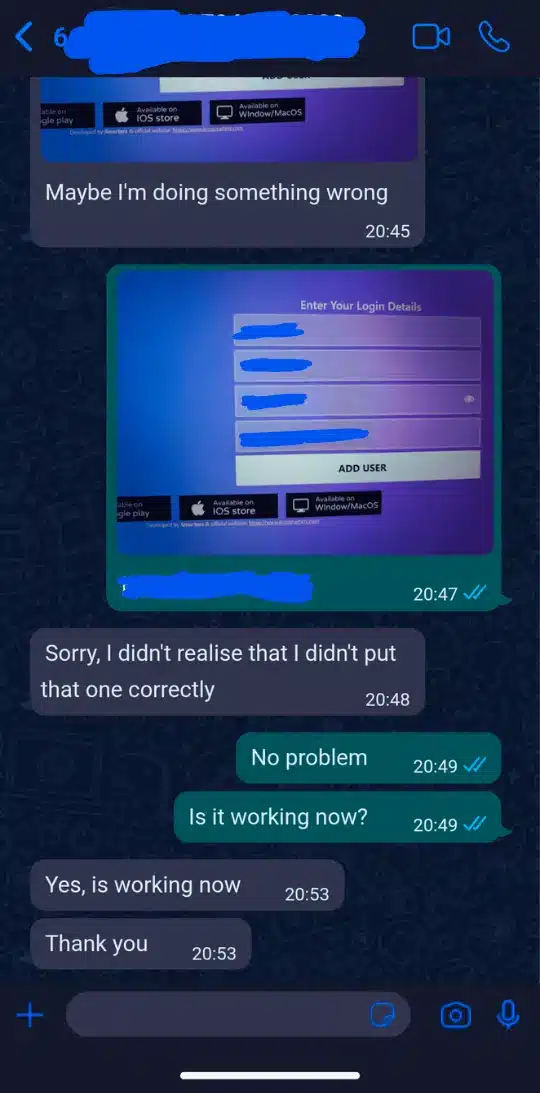
Open the app, select Login with Xtream Codes API, and enter the login details sent by TVHUB4K via email.
📺
Amazon Firestick — TiviMate
⌄
1
Open Downloader and enter the URL below.
https://bit.ly/3XNaNze
2
Install and open TiviMate.
3
Select Add Playlist > Xtream Codes and enter the server URL, username, and password sent by TVHUB4K.
📡
Firestick / Smart TV — IBO Player
⌄
1
Firestick: Install using Downloader with the URL below.
https://ibodesk.com/media.apk
2
Smart TV: Search IBO Player in your TV App Store and install it.
3
Open the app and note the Device ID and Device Key.
4
Visit the IBO Player activation website on your phone or PC, enter your Device ID and Key, then activate.
5
Go to Manage Playlists, select Add XC Playlist, enter your TVHUB4K subscription details, then restart the app.
📺
Roku TV Setup
⌄
1
Method 1 (Recommended): Install IBO Player Pro from Roku Channel Store.
2
Open the app and note your Device ID and Device Key.
3
Go to iboproapp.com, login, select Add XC Playlist, enter your TVHUB4K credentials, and restart the app.
4
Method 2 (Mirroring): Install Web Video Cast on your phone, add the M3U URL from your email, connect to Roku, and play.
📺
Samsung & LG Smart TVs
⌄
1
Go to your TV App Store and install IPTV Smarters Pro or IBO Player.
2
Login using Xtream Codes API with the details from your TVHUB4K email.
3
If Smarters is unavailable, try Nanomid or Smart IPTV (MAC address activation required).
🍎
Apple (iPhone, iPad, Apple TV)


⌄
1
Go to the App Store and download IPTV Smarters Pro or GSE Smart IPTV.
2
Open the app, select Login with Xtream Codes, and enter your credentials.
🤖
Android (Phone, Box, Shield)
⌄
1
Open Google Play Store and install IPTV Smarters Pro or TiviMate Companion.


2
Login using Xtream Codes API with your TVHUB4K credentials.
📦
MAG / Formuler / BuzzTV Boxes
⌄
1
MAG Box: Go to Settings > System Settings > Servers > Portals. Set Portal Name to TVHUB4K and Portal URL provided by email.
2
Send us your MAC Address (found on the sticker) so we can activate your service.
3
Formuler / BuzzTV: Open MyTVOnline or Live TV, add Portal URL, and ensure Login Required is OFF.

Compatible With All Devices

Our IPTV service is compatible with Smart TVs, Android & iOS devices, Firestick, MAG, Windows, Mac, and more – stream without limits.

Enjoy unlimited streaming of live matches

Happy Customers​
+ 0
Global Channels​
+ 0
Movies & Series​
+ 0

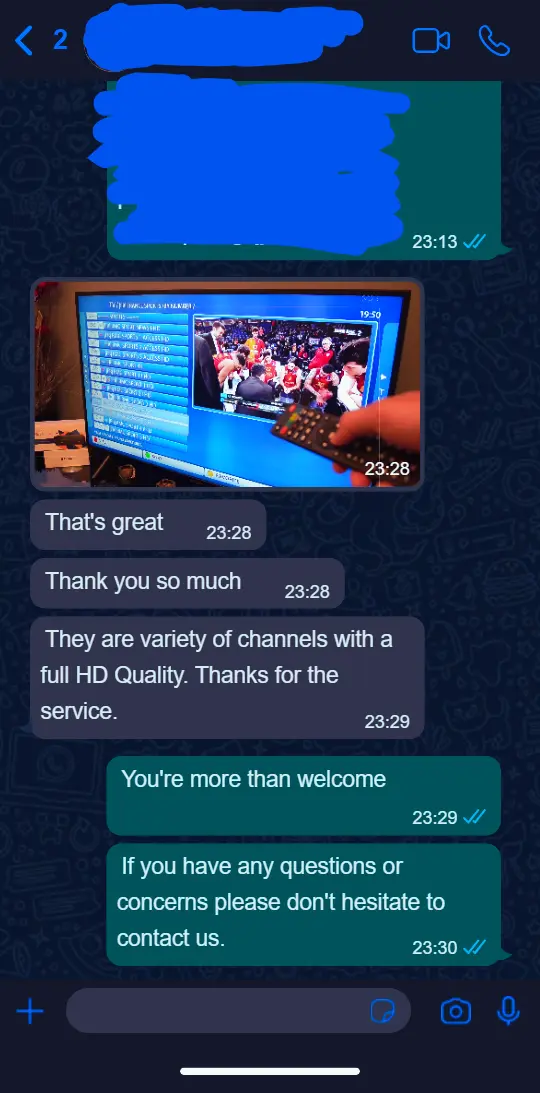
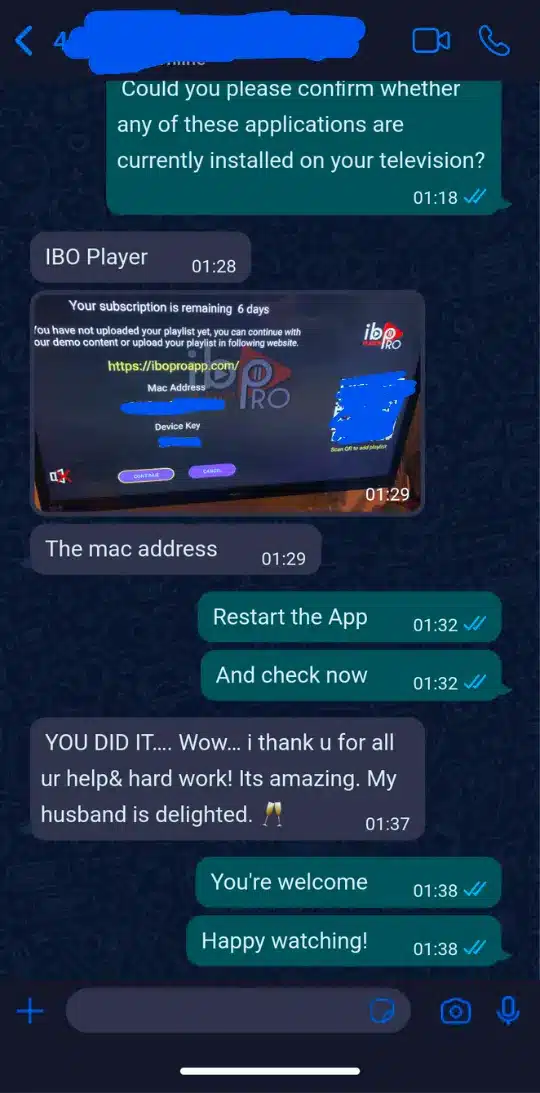
Hear from Our IPTV Subscribers

WHY CHOOSE US

We combine premium content, rock–solid technology and real human support to give you a streaming experience that feels effortless every single day.

⚡

Ultra-Stable Servers

Enterprise-grade servers with anti-freeze optimization so matches, movies and shows play smoothly – even at peak hours.

📺

4K / FHD Quality

Crystal-clear 4K & Full HD channels, huge VOD library and fast zapping between channels for a real “Netflix-level” experience.

🤝

Instant Setup & Support

Receive your account details in minutes and get friendly support to help you install on any device: TV, phone, tablet or box.